
Access and content
Tighter user and team permissions, server-checked lesson requirements, and protected private training material.
A connected platform for producer training and team development.
We improved the experience from recruit onboarding through training, business planning, and leader oversight. The work covered product design, application development, assessment workflows, access controls, email communication, and avatar-led training content.
Training areas require an account.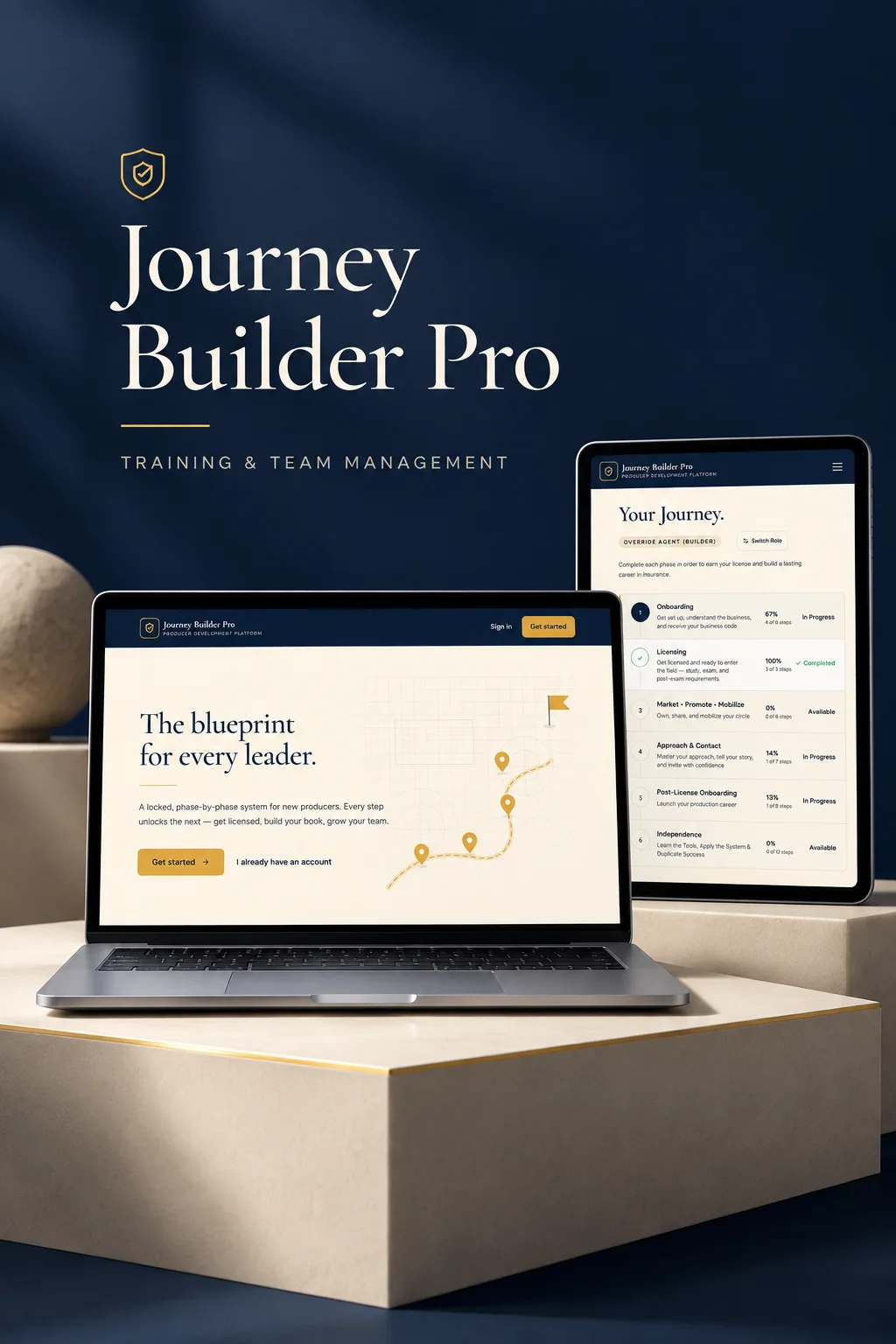
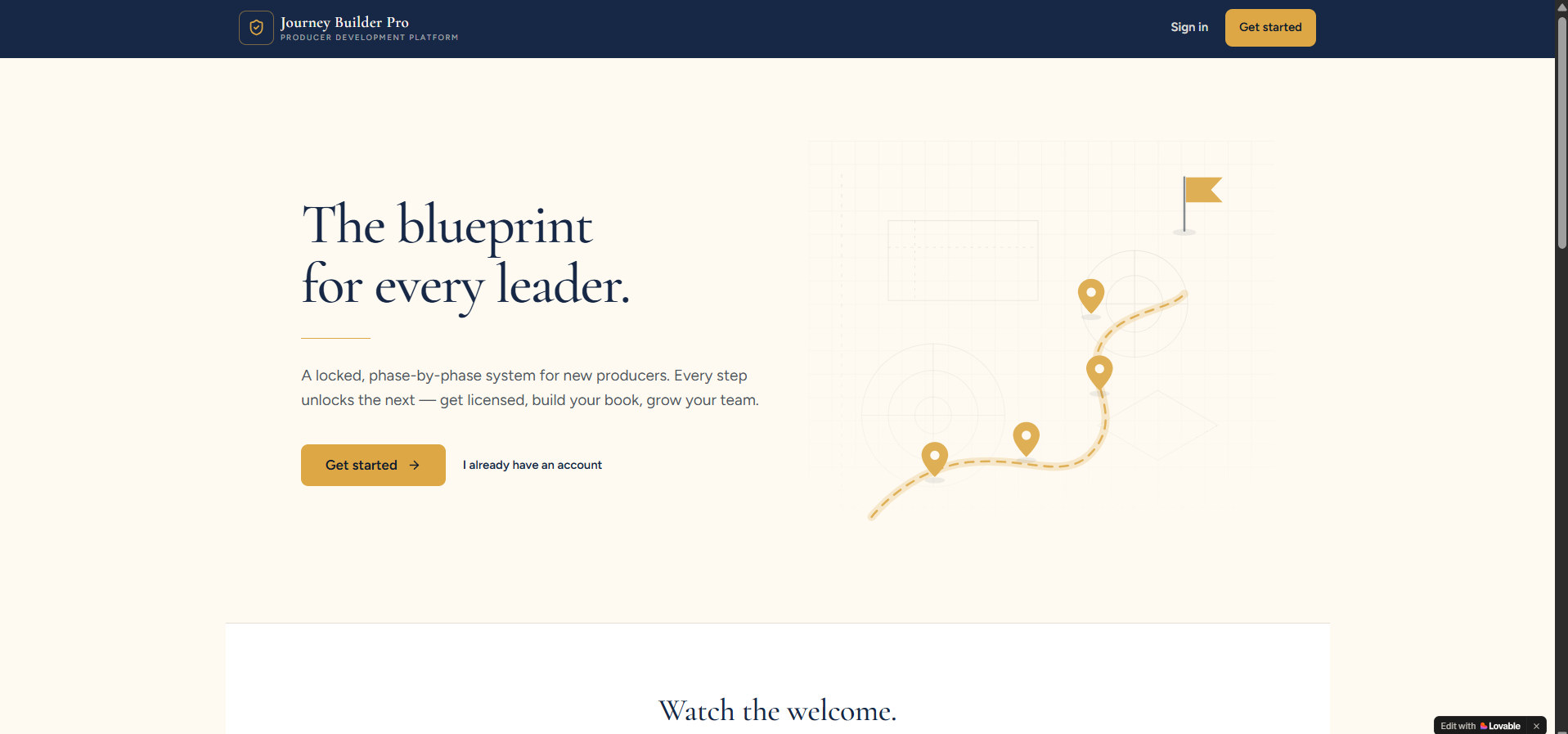
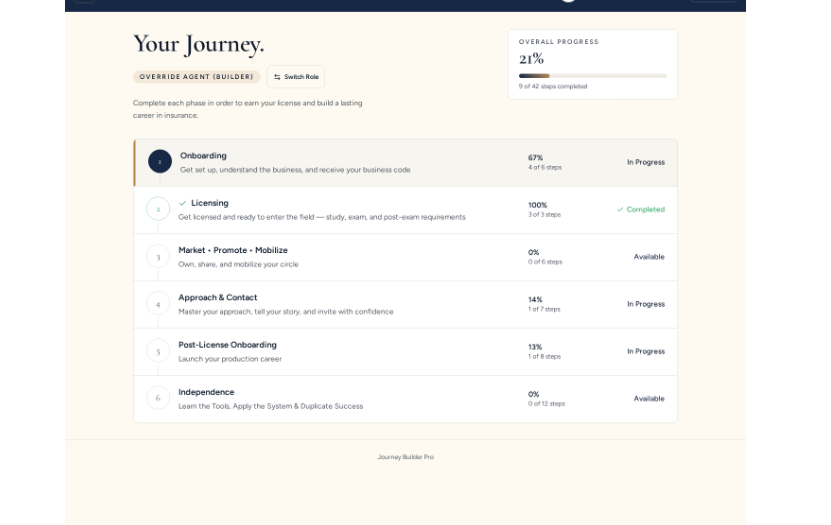
The platform needed more consistent progress tracking, stronger content protection, clearer mobile navigation, and dependable actions throughout the learning journey. Recruit information, assessments, and leader visibility also needed to work together more effectively.
Recruits can organize the people they know, record relevant interests, and prepare their next conversations within the same platform.
Story Builder responses and contact records persist beyond a page refresh. Entries can be edited, filtered, and exported to CSV, while leaders receive read-only contact summaries.
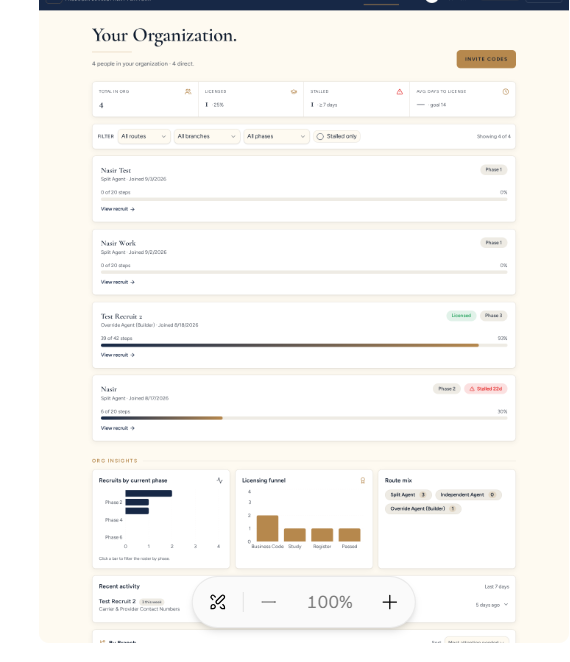
The leader experience combines team roster visibility with route, phase, branch, and stalled-progress filtering. Activity, licensing, check-ins, read-only recruit summaries, and step notifications keep follow-up connected.
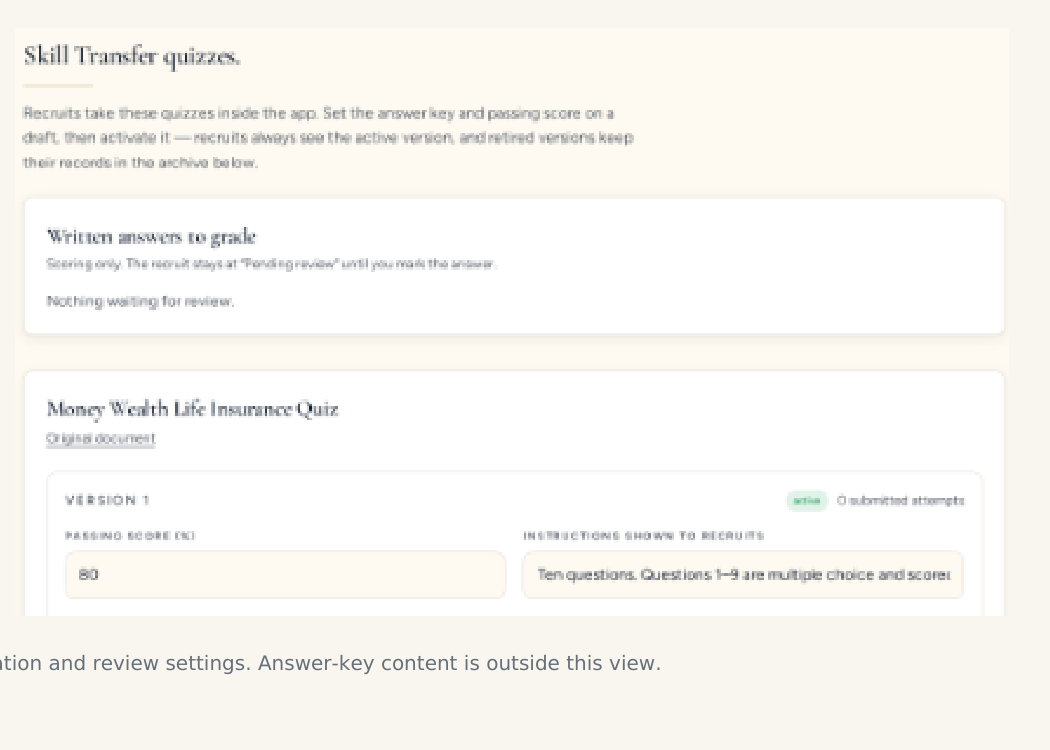
The screenshot uses development accounts.Money Wealth Life Insurance and The Power of Zero assessments now live inside the platform.
Restored navigation, adapted lesson layouts, resolved overflow, clearer resources, and consistent forms, dialogs, controls, and contact rows keep the experience usable on smaller screens.
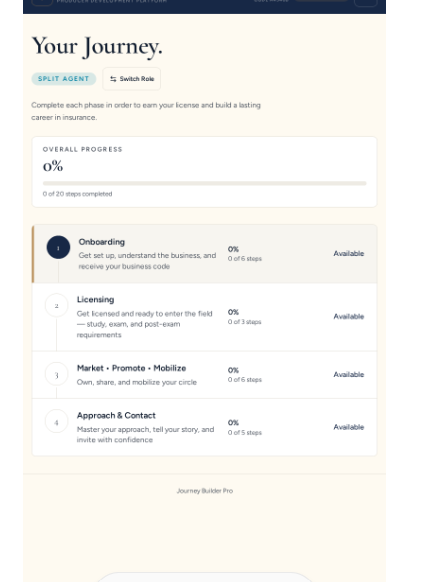
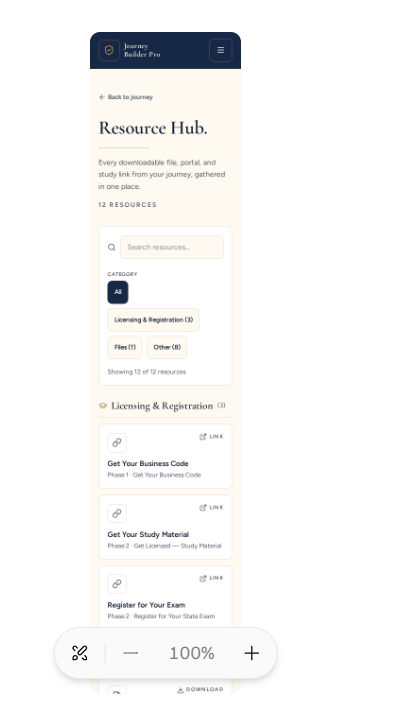
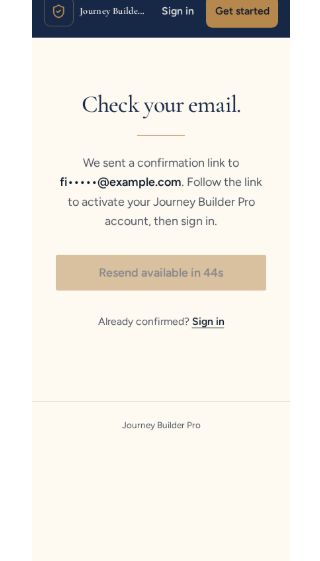
Prospective users see a cohesive experience because permissions, persistence, assessments, and communication work together beneath it.
Tighter user and team permissions, server-checked lesson requirements, and protected private training material.
Recorded exam attempts, retake history, stable lesson behavior, saved stories, and retained contact information.
Reliable account-verification emails, leader notifications, and exam-preparation messages.

Client-supplied scripts were turned into avatar-led training videos with selected presenters, varied looks and backgrounds, and requested voice refinements.
A more consistent training experience that connects recruit learning, saved business information, assessments, leader oversight, and supporting video content.
We design and improve business applications around the people, workflows, and content they need to support.
Discuss your project